Best AI Tools for Study in 2026
Studying in 2026 isn't harder than it used to be. It's just noisier.
You've got lecture slides in one window, a 400-page PDF in another, a half-finished assignment in a third, and a YouTube tab you swear is educational. The bottleneck isn't information anymore — it's context switching. Every time you copy something into a chatbot, re-explain what you're working on, and paste the answer back, you lose ten minutes and a bit of momentum.
The AI tools worth using in 2026 are the ones that cut that friction. Here are five that actually earn a spot in a student's workflow.
Quick disclosure: we build Chitron, so we're obviously biased about #1. The other four are genuinely great and we'd recommend them either way.
1. Chitron — the assistant that already sees what you're studying
Every other AI tool on this list has the same starting problem: it doesn't know what you're looking at. You have to describe it, upload it, or paste it in.
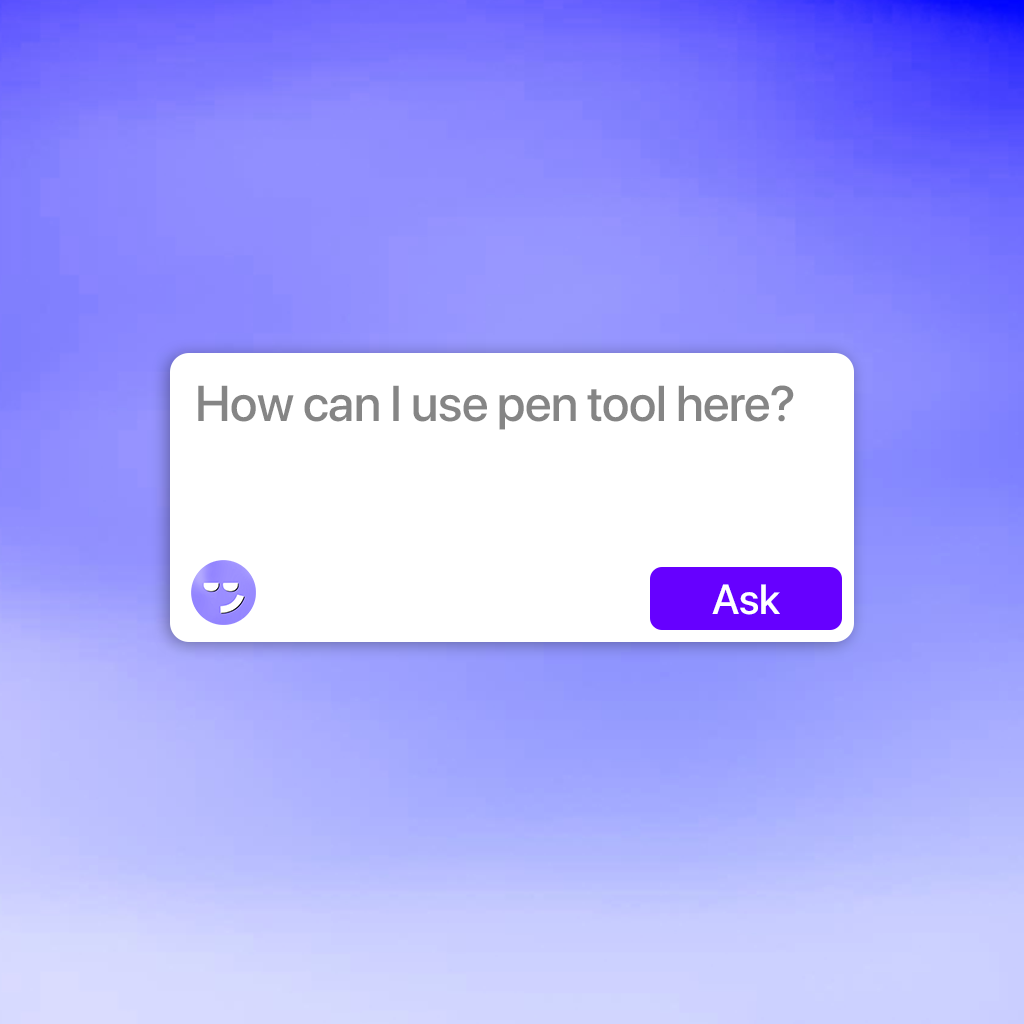
Chitron skips that step. It's a desktop assistant for Windows that reads your screen and answers questions about whatever is open right now. No uploading, no copy-paste, no "here's some context first."
What that means when you're actually studying:
- Stuck on a slide mid-lecture? Hit Chitron and ask "explain this diagram in simple terms." It's looking at the same slide you are.
- Reading a dense research paper? Ask "what's the actual argument in this section?" without extracting the PDF first.
- Working through a problem set? Ask why your approach is wrong while your work is still on screen.
- Learning software — Excel, SPSS, MATLAB, Blender, After Effects, an IDE — ask "what does this panel do?" and get an answer about your screen, not a generic tutorial.
- Watching a recorded lecture? Ask about the concept on screen without pausing to go find another tab.
That last category is where it pulls the furthest ahead. A lot of studying in 2026 isn't reading text — it's learning to use things. Software, dashboards, lab tools, code editors. Text-based chatbots are weak there because describing a UI in words is painful. Chitron just looks.
Best for: anyone who studies with multiple windows open, learns software as part of their course, or is tired of the copy-paste loop.
Platform: Windows desktop.
Download Chitron for Windows →
2. NotebookLM — for studying your own material
Google's NotebookLM is the best tool available for a specific job: turning your sources into a study companion.
Upload your lecture notes, slides, textbook chapters, and papers. Then ask questions grounded strictly in those documents. It won't wander off and invent things from the wider internet, which matters a lot when you're revising for an exam with a fixed syllabus.
The audio overview feature — which turns your notes into a conversational summary you can listen to — is genuinely useful for commutes and gym sessions.
Best for: exam revision, working through reading lists, and consolidating a semester's worth of scattered material.
Weakness: everything has to be uploaded first. It knows your documents, not your screen.
3. ChatGPT (or Claude) — the general-purpose explainer
The obvious pick, and it's on the list for a reason. When you need a concept broken down five different ways until one clicks, a general-purpose model is still unbeatable.
The trick most students miss is how you ask. Instead of "explain recursion," try:
"Explain recursion to me like I've never programmed before. Then give me three practice problems, starting easy. Don't give me the answers yet."
That second version turns a search engine into a tutor. Ask it to quiz you. Ask it to find the holes in your explanation. Ask it to argue the opposite side of your essay thesis.
Best for: conceptual understanding, brainstorming, drafting, and Socratic-style practice.
Weakness: you're constantly feeding it context by hand.
4. Perplexity — for research you can actually cite
When you need sources and not just answers, Perplexity is the one. It searches the live web and shows you where each claim came from, which makes it the sane choice for essays, literature reviews, and anything where "my AI said so" won't fly with a professor.
Treat the citations as a starting point rather than a finish line — click through and read the actual sources before you cite them. But as a way to find the right five papers instead of the wrong fifty, it saves hours.
Best for: essay research, current-events topics, fact-checking, finding primary sources.
5. Quizlet — because recall beats re-reading
Every study-tips article eventually admits the same thing: highlighting and re-reading feel productive and barely work. Active recall and spaced repetition do.
Quizlet's AI features can now generate flashcards and practice tests from your notes automatically, which removes the one real barrier — nobody wants to spend two hours making cards. Generate them, then let spaced repetition do the boring, effective work.
If you want something more hardcore and free, Anki is the power-user alternative with a steeper learning curve.
Best for: memorization-heavy subjects — medicine, law, languages, anatomy, anything with vocabulary.
How to actually stack these
Don't use all five every day. Use them by task:
| What you're doing | Reach for |
|---|---|
| Anything on screen, right now | Chitron |
| Revising from your own notes | NotebookLM |
| Understanding a hard concept | ChatGPT / Claude |
| Finding sources for an essay | Perplexity |
| Drilling facts before an exam | Quizlet |
A realistic setup: Chitron running in the background all day for instant context-aware help, NotebookLM as your revision hub, and one of the others when the specific need comes up.
One honest note on using AI to study
AI can make you feel like you've learned something when you haven't. Reading a great explanation is not the same as being able to produce one.
So use these tools to get unstuck faster, not to skip the part where you struggle a little — that struggle is where the learning actually happens. Ask for explanations, then close the window and try to explain it back out loud. If you can't, you didn't learn it yet.
Used that way, the right AI setup doesn't make you lazier. It just removes the twenty minutes of friction between you and the thing you're trying to understand.
Ready to stop copy-pasting? Chitron sits quietly on your desktop and answers questions about whatever's on your screen — lectures, PDFs, code, software, all of it.